Stratusphere provides extensive capabilities to analyze trends and to set up alerts that can be delivered via email or RSS. This section provides an overview of the key features.
Trend Analysis
To examine performance trends, navigate to Diagnostics > Inspectors, select the UX Trends Chart view from the drop-down list, then click the Go button. The trend chart allows you to select a timeframe and to select the metrics to compare on the bar charts and the line graph. You can use this chart to view trends and to see how metrics are correlated.
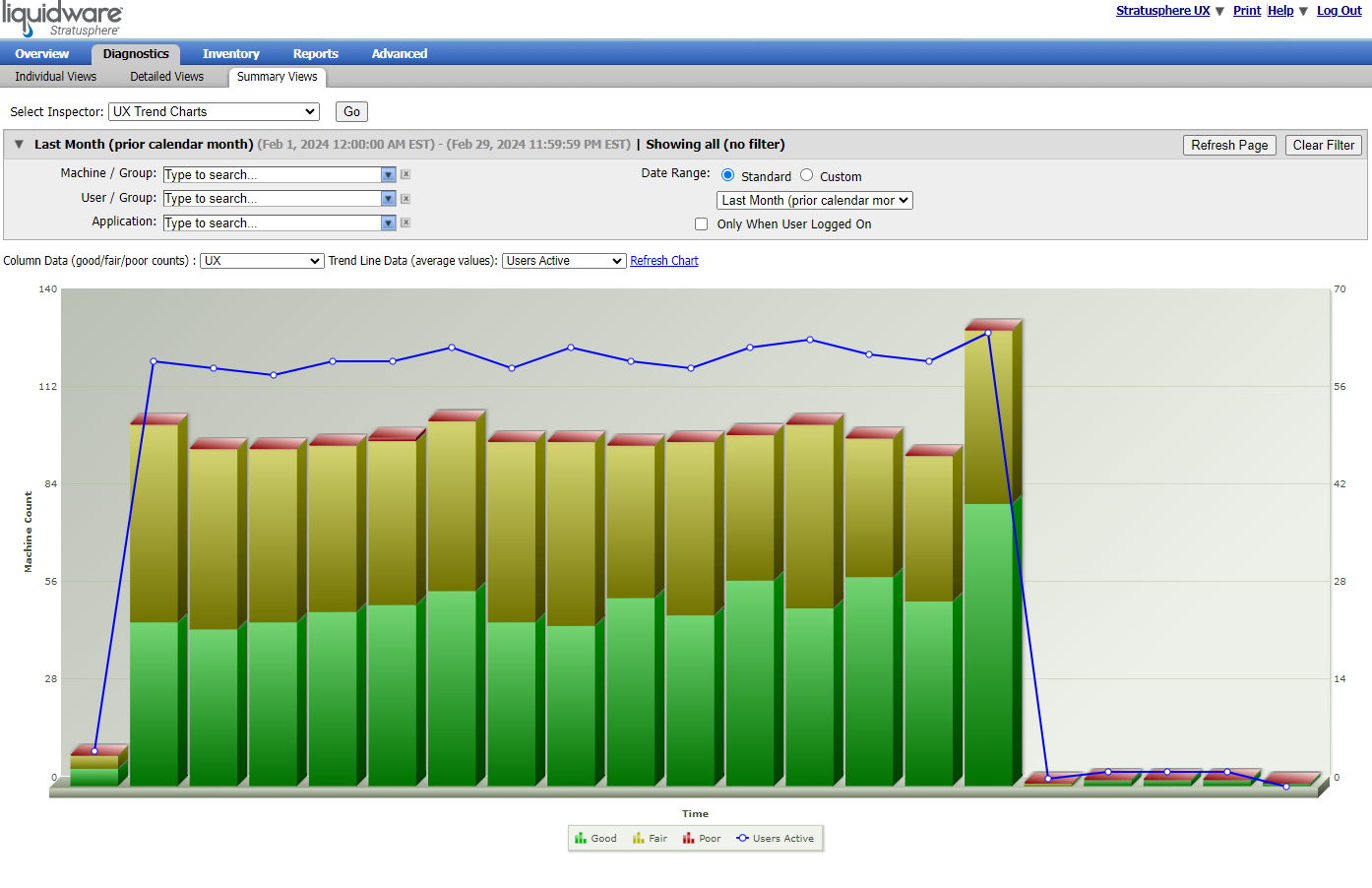
Note: Remember to click the Refresh Chart button after changing any metrics in order to see the updated chart.
Alerts
Stratusphere UX also includes a set of pre-configured alert options. Alerts can be viewed in the Hub UI, delivered via email, or subscribed to using an RSS reader. To view and configure alerts, login to the Hub Administration module and navigate to the Alerting tab. More information on configuring alerts can be found in the Stratusphere Installation & Configuration Guide.