
CommandCTRL stores each tenant’s data in one data region: United States or Europe. The two regions are separate. An account in one region cannot see tenants in the other region, and the same email address can have a separate account in each region.
To log in, complete the following steps:
-
Go to cc.liquidware.com.
-
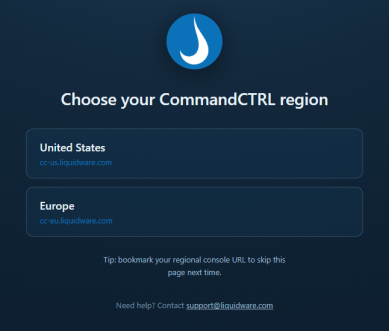
On the Choose your CommandCTRL region page, click United States or Europe.
-
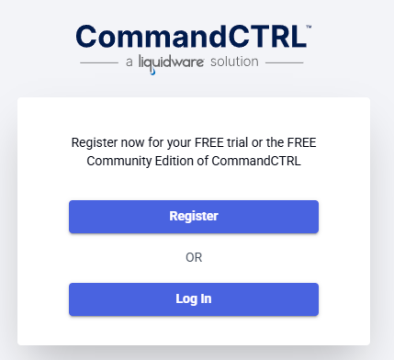
On the login page, click Log In and sign in with your email address and password. If you do not have an account yet, click Register instead.
-
Enter the code from your authenticator application when prompted.
To skip the region page next time, bookmark your region’s console: cc-us.liquidware.com for United States or cc-eu.liquidware.com for Europe.
If CommandCTRL cannot find your account, you may have chosen the wrong region. Go back to cc.liquidware.com and choose the other region.
Each region has its own sign-in and two-factor authentication. If you have an account in both regions, your authenticator app has a separate entry for each one. Rename the entries to show their region (for example, CommandCTRL US and CommandCTRL EU) so you always enter the code for the region you are signing in to.