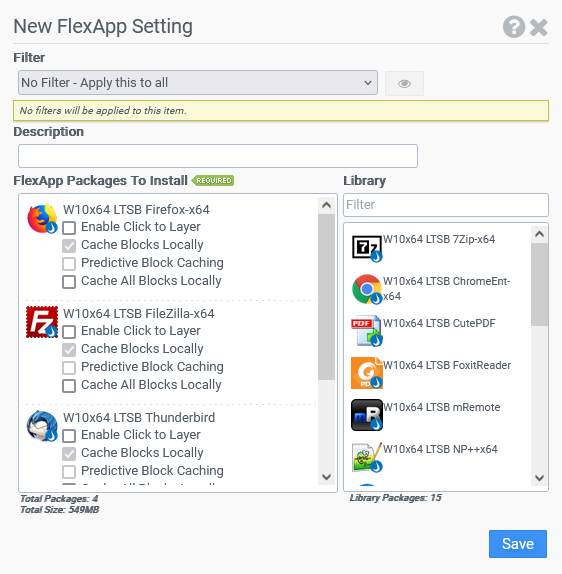
After applications have been packaged using the FlexApp Packaging Console, switch back to the ProfileUnity Management Console for application delivery. The last step in delivering additional applications that are outside of the base image to users inside your environment is to selectively deploy your FlexApp application packages to only the users who need them. For information on how to assign your FlexApp packages to your users, refer to the Making Applications Ready for Users section of the FlexApp Packaging Console Guide.
During this assignment process inside the ProfileUnity Management Console, you can select the Enable Click to Layer checkbox beside each FlexApp package that you want this feature to be enabled for.